Text, files and photos
Paste a note or a config, or pick any single file. Received photos preview inline and save to Photos on iPhone and iPad.
No network required
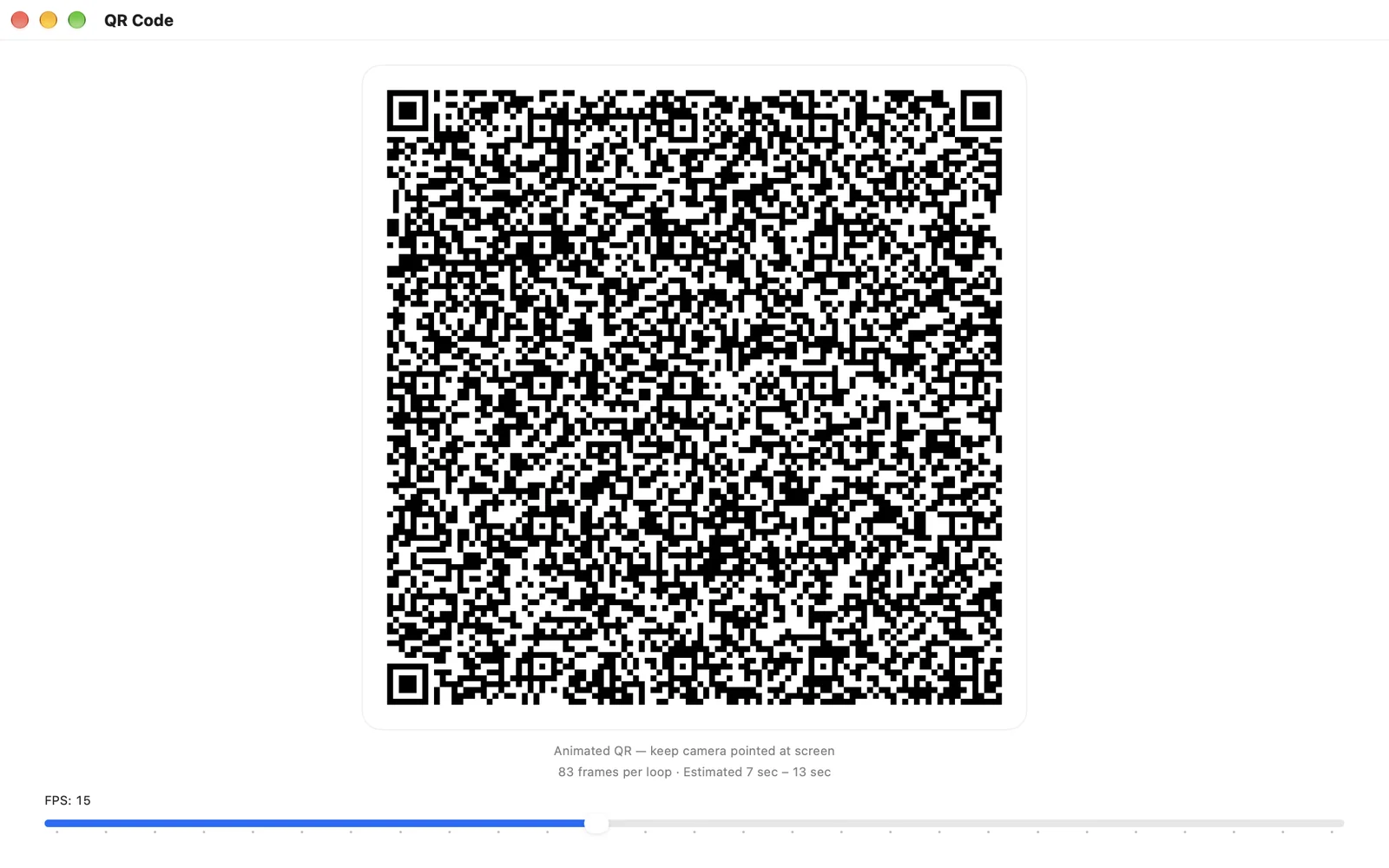
One screen shows an animated QR code. The other device's camera reads it. Text, files and photos cross over with no Wi-Fi, Bluetooth, cable, account or server — just light.
iPhone, iPad, and Mac. Requires iOS 16 or macOS 13 and later. A transfer needs LightDrop on both ends — and one purchase covers all three.
How it works
That's the whole protocol. Nothing is paired, nothing is discovered, and nothing has to be on the same network — because there is no network.
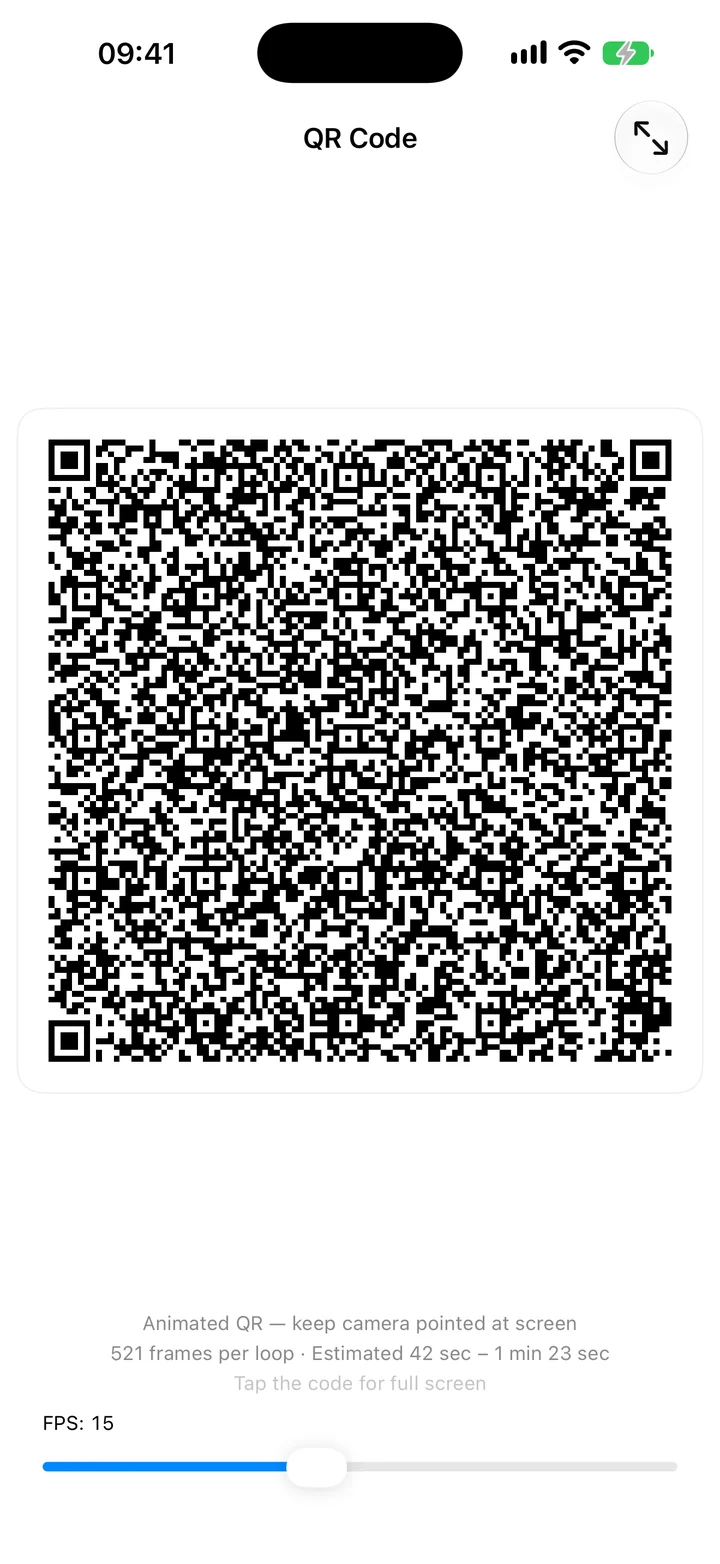
Choose text or a file on the sending device. LightDrop turns it into a stream of QR frames and starts playing them on screen.
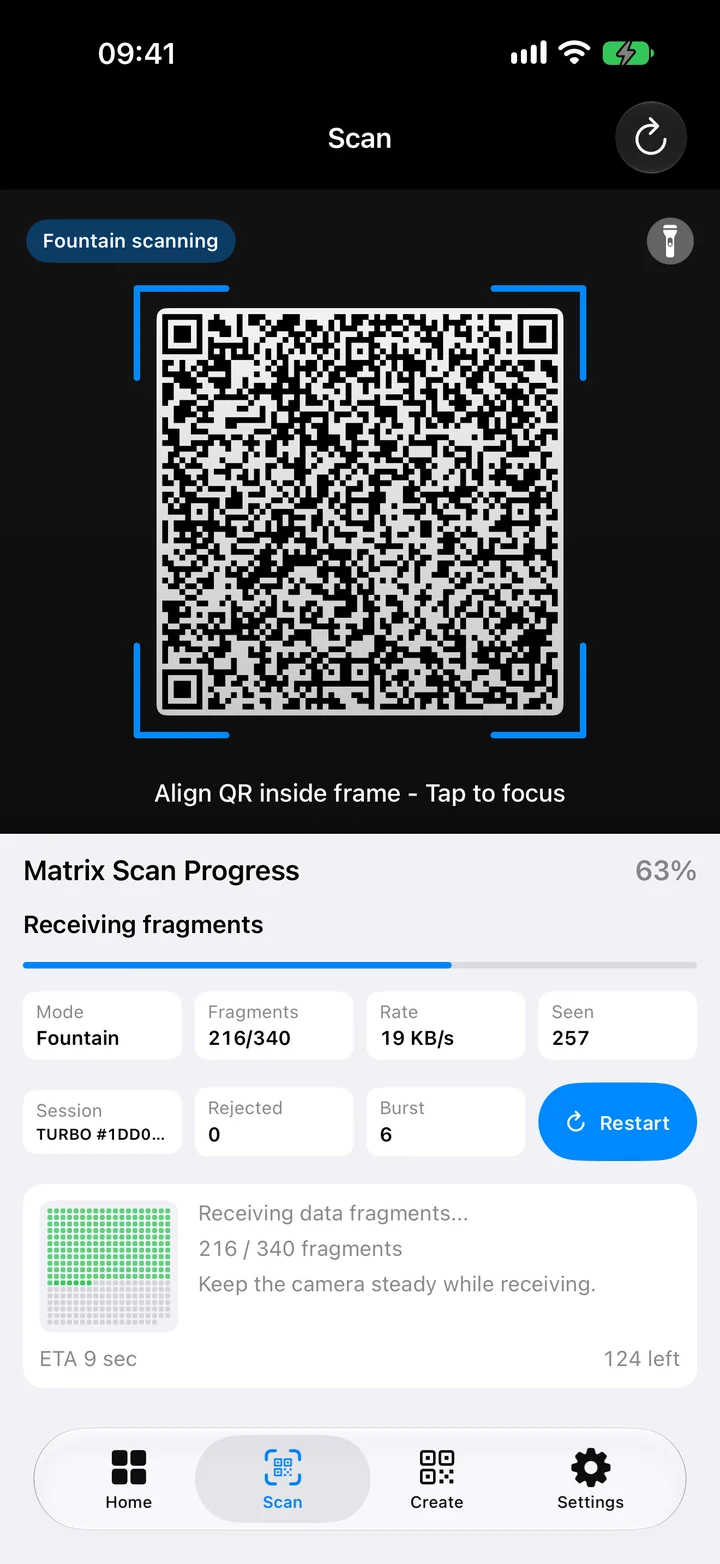
Open Scan on the receiving device and aim it at the sending screen. Fragments land continuously and a progress grid fills in as they arrive.
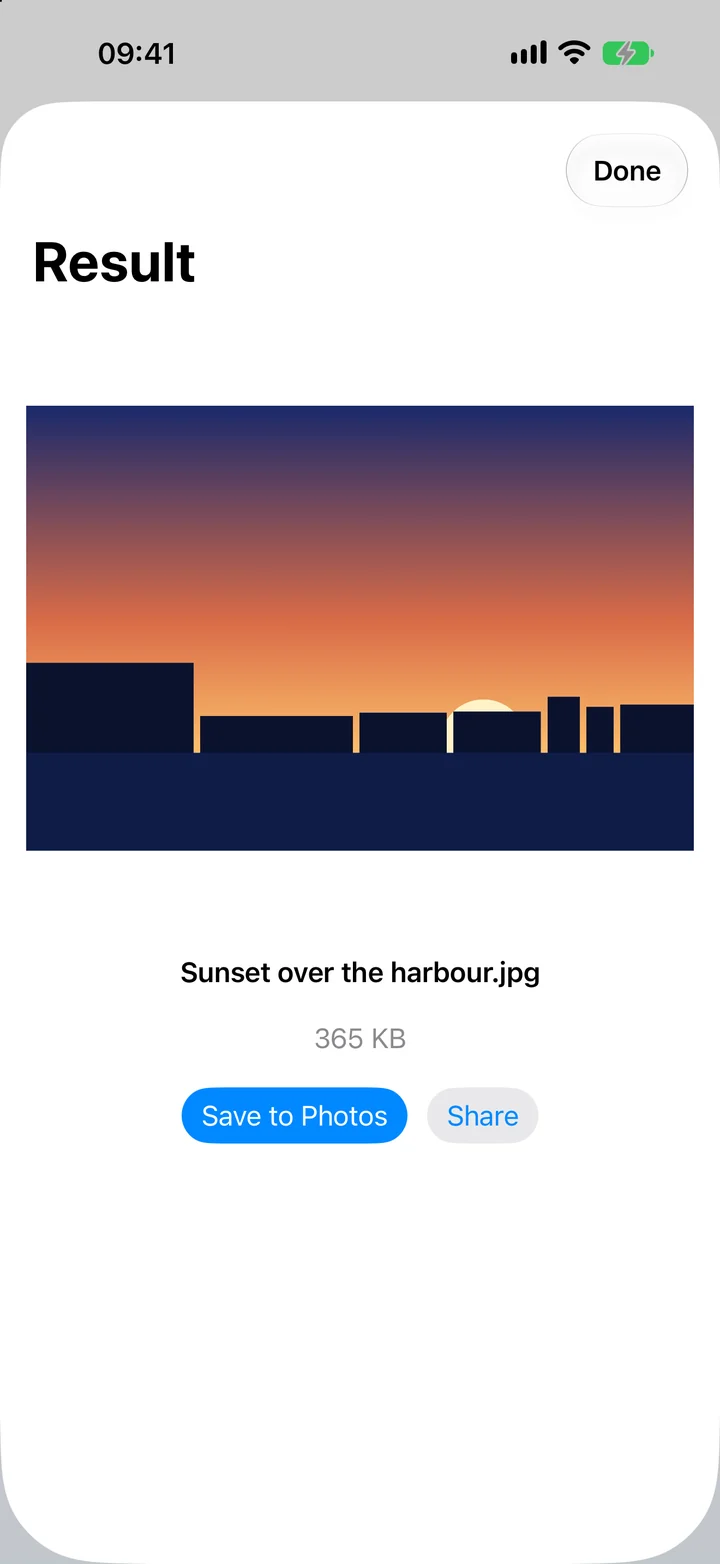
When the grid is full, the file is rebuilt on the receiving device. Copy the text, preview the photo, or save and share the file.
Fountain coding
Frames can arrive in any order, and a dropped one costs a moment rather than the whole transfer. The sender simply keeps broadcasting until the receiver has enough.
Password encryption
Lock the payload with a password before it ever reaches the screen. Anyone recording the code sees only ciphertext; the receiver types the same password to open it.
Features
An offline machine, a network you'd rather not trust, a room with no signal, or two devices that simply won't talk to each other.
Paste a note or a config, or pick any single file. Received photos preview inline and save to Photos on iPhone and iPad.
Turbo writes raw binary straight into each code instead of text, so every frame carries more of your file. It works LightDrop to LightDrop.
Close, standard, and far presets trade frame size against frame rate, and the frame rate slider is live while the code is playing. A dim screen or a shaky hand is a setting away from working.
The same app on iPhone, iPad, and Mac. Pro unlocks on every device signed in to your Apple Account, from a single transaction, with Family Sharing on the lifetime option.
QR transfers work offline. Loading plans, buying or restoring Pro and syncing paid access require internet; valid cached Pro access remains available offline.
There is no file-size quota and nothing is stamped on what you send. For multi-gigabyte files a cable is still faster — LightDrop is for when that isn't an option.
Platforms
Any two LightDrop devices can send to each other — and a device with a screen but no camera can still be the sender.
Sends and receives. iOS 16 and later.
On the App StoreSends and receives. A large, bright screen makes it a good sender. iPadOS 16 and later.
On the App StoreSends and receives. Usually the sender, since the phone is the thing with the good camera. macOS 13 and later.
A desktop build is in development. It is not available for download yet — when it is ready it will be published here.
In developmentPrivacy by design
Your files travel only between the screen and camera. Apple processes payments, and RevenueCat verifies Pro using purchasing data; neither receives transfer content.
Your file travels from one screen to one camera. There is no upload, because there is nowhere to upload to.
There is nothing to sign up for. We never ask for your name, email address, or phone number.
No analytics SDKs and no advertising identifier. Apple and RevenueCat handle purchases; neither ever sees what you transfer.
Frames are decoded in memory and discarded. No video or still image is recorded, and nothing from the camera is written to disk.
The password never leaves the device and is never transmitted. It is used locally to derive the key, and the receiver needs the same password to open the file.
We never receive your files, so there is no store of them for anyone to breach or subpoena.
Pricing
An active monthly subscription, its 3-day trial, or Lifetime purchase is required to send and receive. All modes, turbo transfer and password encryption are included, with no size cap or watermark.
$19.99 one time
Pay once. Yours forever, on iPhone, iPad, and Mac, with Family Sharing for everyone in your group.
$2.99 per month
3 days free for eligible new subscribers, then billed monthly through your Apple Account. Cancel anytime.

Confirm the monthly subscription with Apple to begin the trial. Eligible new subscribers are first charged after 3 days unless they cancel at least 24 hours before the trial ends. Prices are shown in USD and may vary by region. Eligible new subscribers get a 3-day free trial; the monthly plan then renews automatically at the monthly price unless auto-renew is turned off at least 24 hours before the trial ends. Manage or cancel it any time in your Apple Account settings. The Lifetime plan is a one-time purchase with no renewal.
FAQ
Yes. One device shows the code and the other reads it with its camera, so LightDrop runs on both ends. Any two of iPhone, iPad and Mac work, and one purchase covers your devices on the same Apple Account.
Not for transfers. Buying, restoring and refreshing Pro need a connection; after that, a valid plan keeps working offline until it expires.
Anyone who films an unencrypted transfer could rebuild it. Turn on password encryption and a recording is useless without the password, which is never displayed or sent.
There's no size cap. Speed depends on the screen, the camera and the light, so LightDrop suits notes, documents, configs and photos better than multi-gigabyte videos. To send several files, put them in one archive first.
A Windows version is in development but not yet available. Android and browser-based receivers are not offered.
iPhone, iPad, and Mac. Requires iOS 16 or macOS 13 and later. A transfer needs LightDrop on both ends — and one purchase covers all three.